
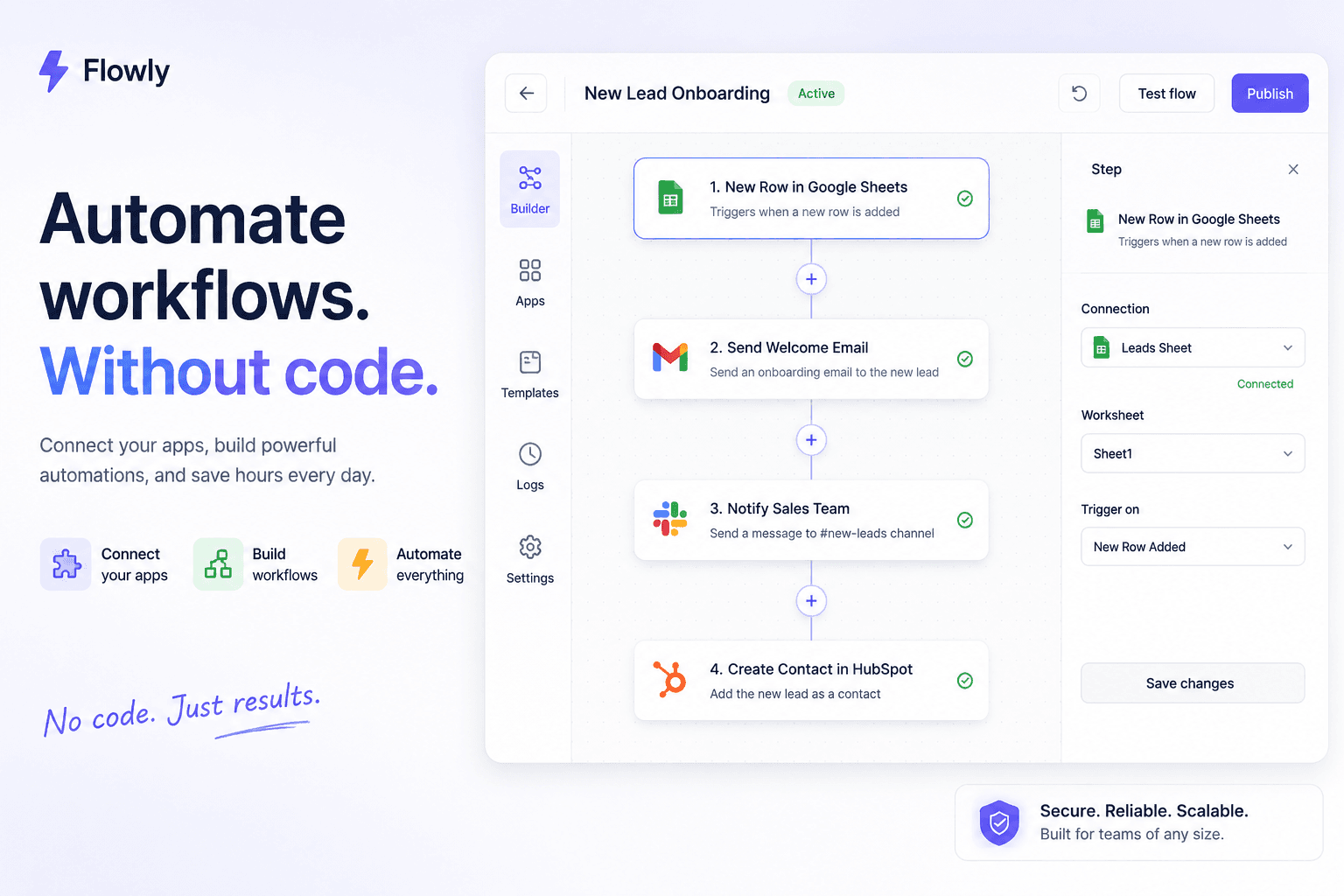
If you run a business and you’re not technical, every automation tool looks the same at first: a wall of nodes, triggers, and webhooks that feels like a plane cockpit. You just want the thing that answers emails or moves a lead into your CRM without learning to code. So the real question isn’t “what’s the most powerful tool” — it’s what’s the easiest one that actually does my task.
We build automations for non-technical operators for a living, which means we also watch which tools people give up on in week one. So here’s the honest answer, not the affiliate answer.
What’s the easiest AI automation tool if you’re not technical? For most beginners it’s Zapier — it has the most app connections, the biggest library of ready-made templates, and it now builds automations from a plain-English prompt. If you want an AI-native option, Gumloop is the friendliest. The truth: the easiest tool is the one that already connects the apps you use, so start there.
Not sure which one fits your stack? That’s literally what we do in a free 30-minute automation audit — you tell us the task, we tell you the simplest tool for it. No pitch, a written recommendation.
Disclosure: Orchient builds client automations (mostly on n8n), and some links here are affiliate links — we may earn a commission at no cost to you. We’re honest about which tools are easiest, even when it isn’t the one we build on.
First: what “easy” actually means for a beginner
“Easiest” is not one thing. Before you pick, know what you’re actually buying. A beginner-friendly AI automation tool has four things:
- No code, ever. You connect apps by clicking, not by writing scripts.
- Templates you can copy. The fastest start is editing a pre-built automation, not a blank canvas.
- Plain-English or AI help. The newest tools let you describe what you want and build it for you.
- A forgiving free tier and real support. You’ll make mistakes; you want a free plan to learn on.
Notice that “most integrations” and “most powerful” aren’t on that list. For your first automation, power is the enemy of done.
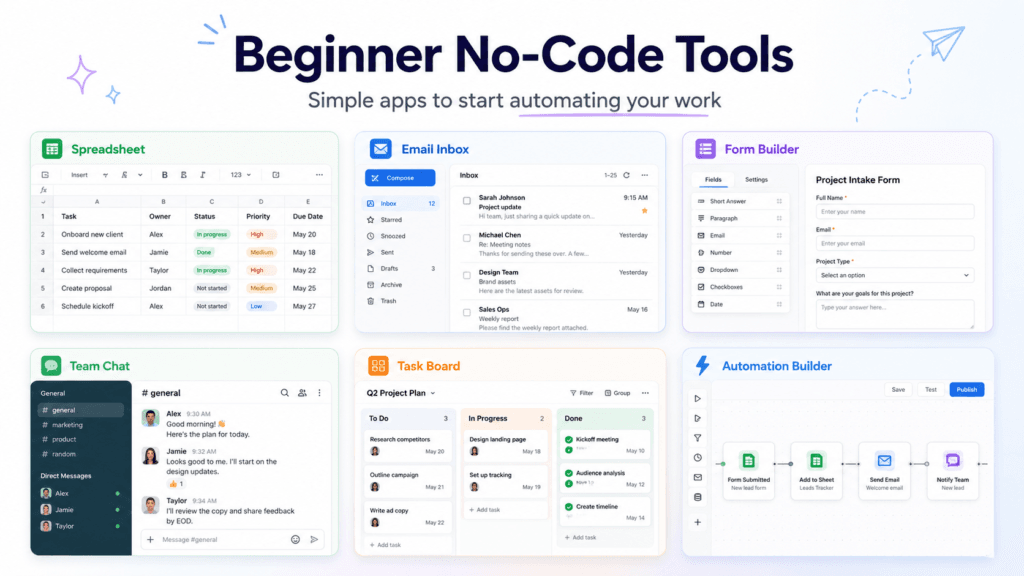
The easiest AI automation tools, ranked for a beginner
Prices are rough starting points as of 2026 — verify on each vendor’s page, they all change tiers. Every tool below is genuinely no-code.
| Tool | Best for a beginner | Free tier | Paid from (est.) | The honest catch |
|---|---|---|---|---|
| Zapier | The easiest overall on-ramp | Yes | “$30/mo | Cost climbs fast as you add steps |
| Gumloop | AI-native, plain-English building | Yes | low-$20s/mo | Newer, fewer app connectors |
| Integrately | One-click, pre-built automations | Yes | “$20/mo | Less flexible for custom logic |
| Make | Visual thinkers; cheaper than Zapier | Yes | “$10/mo | Slightly steeper first hour |
| n8n | Power + lowest cost at scale | Self-host free | “$20/mo cloud | Not the easiest; real learning curve |
Zapier — start here if you’re unsure
Zapier is the most beginner-proof tool in the category: the most app connections (8,000+), the largest template library, a guided step-by-step editor, and AI that can draft an automation from a sentence. If you’ve never automated anything, this gets you to a working result fastest. The catch is price — Zapier charges per task (per step), so a busy multi-step automation gets expensive as you grow. Perfect to start; watch the bill later.
Gumloop — the friendliest AI-native option
If your goal is specifically AI work (summarizing, drafting, extracting data, research), Gumloop was built for non-technical people to get the power of an AI engineer without code, on a clean visual canvas. It’s one of the easiest places to start an AI workflow in 2026. Trade-off: it’s newer and connects to fewer apps than Zapier.
Integrately — if you want it pre-built
Integrately leans on one-click, ready-made automations: you pick an outcome and activate it, with little setup. Great for common tasks; less room to customize when your needs get specific.
Make — if you think in pictures
Make (formerly Integromat) shows your automation as a visual flow of connected dots. Many people find that clearer than a list of steps, and it’s usually cheaper than Zapier. It asks for maybe an extra hour of learning in exchange for more power.
n8n — the one you graduate to (not start on)
We build most client work on n8n because it’s the most powerful and cheapest at scale (it bills per workflow run, not per step, and self-hosting is free). But we’d be lying if we called it the easiest. It’s a builder with a real learning curve — the right answer once you’ve outgrown Zapier’s bill or hit a wall it can’t climb, not your first afternoon.
How to actually start (your first automation in an afternoon)
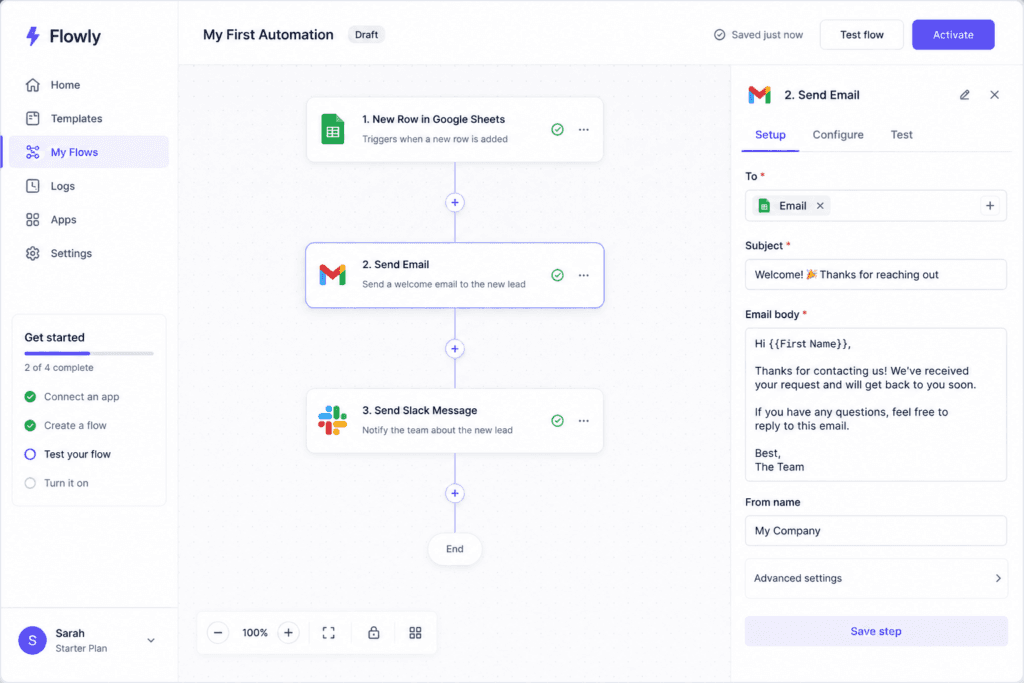
The tool matters less than the method. Beginners who succeed all do the same four things:
- Pick one annoying, repetitive task. Not your whole business. One task: “every form submission should land in my CRM and email me.”
- Search that tool’s templates for something close. Editing a template is 10× faster than starting blank.
- Connect your two or three apps by logging into them through the tool. No code, just permissions.
- Test it once, on purpose. Run it with one real example and watch what happens before you trust it.
That’s a working automation in an afternoon. Do that once and the fear is gone for good.
When the easy tool isn’t enough (the honest part)
The easiest tool is the right start, not the right forever. You’ll know you’ve outgrown it when:
- The bill starts to sting. Per-task tools like Zapier get pricey as automations get busy — usually the moment to move the heavy workflows to something like n8n.
- You hit a wall it can’t climb. A custom API, a step the tool doesn’t support, an AI agent that needs real logic.
- You want it done for you. Sometimes the easiest tool of all is handing it to someone who’s built it a hundred times.
That last one is the honest reason agencies like ours exist. If you’d rather skip the learning curve entirely, that’s a free automation audit: tell us the task, and we’ll either point you at the simplest tool to DIY it, or build it for you. No pressure either way.
Frequently asked questions
Can I really automate tasks without knowing how to code?
Yes. Every tool above is no-code — you connect apps by clicking and granting permission, not by writing scripts. The newest ones even build the automation from a plain-English description.
Is AI automation hard to learn for a beginner?
No, if you start small. One task, one template, one test run. People get intimidated because they try to automate everything at once. Automate a single repetitive task first and it clicks quickly.
How much does it cost to start?
Most tools have a free tier good enough to learn on. Paid plans generally start in the “$10–30/month range (as of 2026). Self-hosted n8n is free software if you’re willing to run a small server.
What’s the difference between Zapier and Make?
Zapier is the easier on-ramp with more app connections; Make is a visual, drag-the-dots builder that’s usually cheaper and a bit more powerful. Beginners who think visually often prefer Make; everyone else starts on Zapier.
Do I need ChatGPT or an OpenAI key to do AI automation?
Often no. Many tools (Zapier, Gumloop, Make) have AI steps built in, so you can add AI without touching an API. Some setups let you plug in your own key for more control once you’re comfortable.
The bottom line
If you’re not technical and you want the single easiest place to start, start with Zapier — or Gumloop if your task is specifically AI work. Pick one annoying task, copy a template, and ship it this week. Don’t start on the most powerful tool; start on the one that connects your apps and gets you a win.
And when you outgrow it — when the bill climbs or you want it built properly — that’s the 30 minutes we spend in a free automation audit: the simplest path from “I have a repetitive task” to “it runs itself.” No retainer, no pitch.
Related reading: n8n workflow templates you can steal · Best AI automation tools · n8n automation guide